myDESIGNER › myDESIGNER › Views & Layout
Using script in views
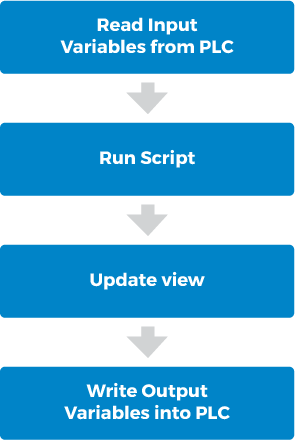
For each view, you can create your own script, which is evaluated each time an active screen is refreshed. The refresh logic works as follows:
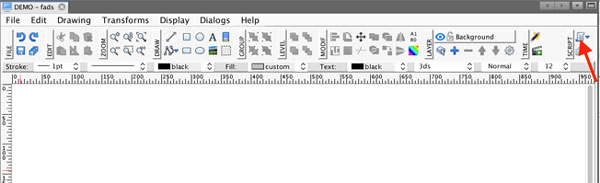
First, if you want to add a user-defined script, open your view and click on the Script button in the main toolbar.
Then the script window will show up where you can insert your user-defined script:
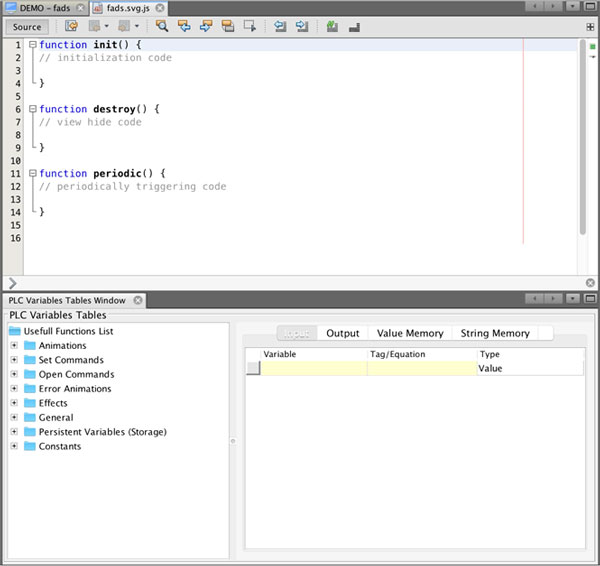
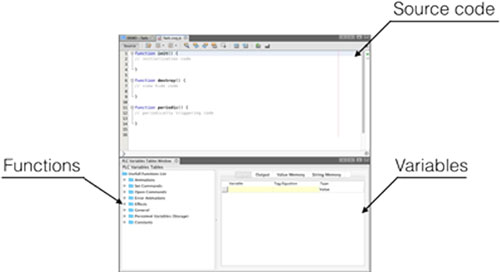
The script editor is divided into 3 main windows:
- Source Code: this is a window where you put the user-defined script
- Variables: here you define your view variables
- Useful Functions: in this window, you can find specific functions that help you control your components in the corresponding window