
myDESIGNER › myDESIGNER › User Management
User accounts
On this page
In order to use User Access Levels, you have to specify users for your project. You can create as many users as you need. Each user must have a specified Access Group ranging from 0 to 9 - the higher the number, the higher access rights for the user.
- TIP: If you wish to use authentication based only on Access Groups, you can leave the Access Level equal to 0.
To specify user accounts, select Users from the project tree and double click it.
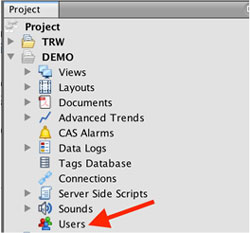
You will be presented with the Users Window
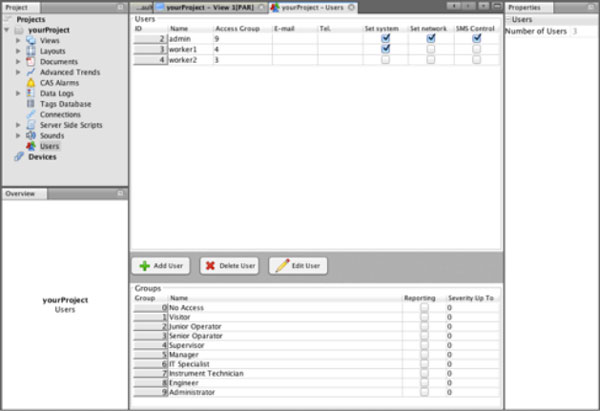
To add or modify existing users, simply write the values into the provided table:

Available options are:
| Option | Description |
| Name | Username |
| Password | Password. Saved password is encrypted for higher security. |
| Access Level | Specify an access level for given user |
| Part of Groups | Specify an access group or groups of which a given user is a part. |
| Provide user’s email to receive email notifications. | |
| Tel. | Provide user’s phone number in the international format to receive SMS notifications. |
| Set system | myBOX specific settings: enable to change system setting on myBOX |
| Set network | myBOX specific settings: enable to change networking setting on myBOX |
| SMS Control | myBOX specific settings: enable to control myBOX with SMS commands remotely. |