myDESIGNER › myDESIGNER › Miscellaneous
On touch example
The following Example will show you how to create a button component with an On Touch action. 1. Create a new component and enter edit mode. If you don’t know how to create components, please read the section Components 2. Now create a rectangle and put the text “Press me” over it. 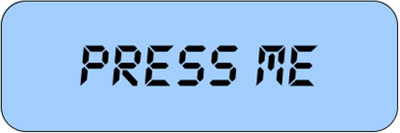 3. Select the rectangle and click on Properties -> Commands -> On Touch
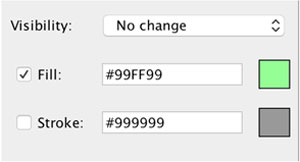
 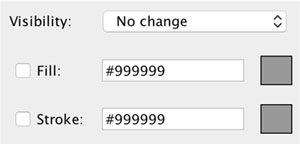 4. Check the “Fill” check box and select a fill color
  5. Now place your component into the view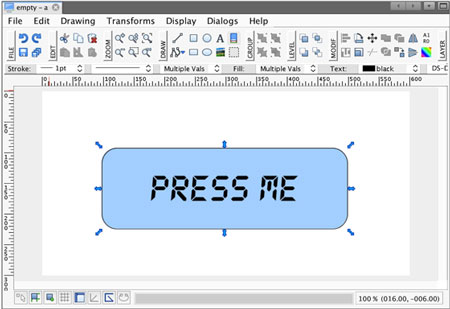
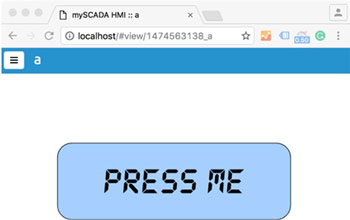
When a user presses the button, its color will change to green
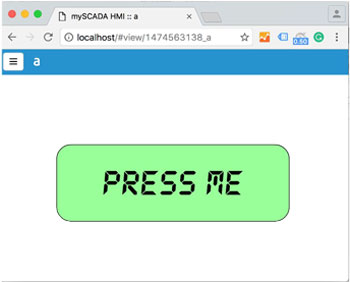
When the user releases the button, the color will return back to normal.