
Limited access of arbitrary object in views
You can set the user access rights to even more precise detail. The access rights can be set for each object in a view, allowing creation of complex and customizable visualizations.
Select the target object and set the View and Write Access values:
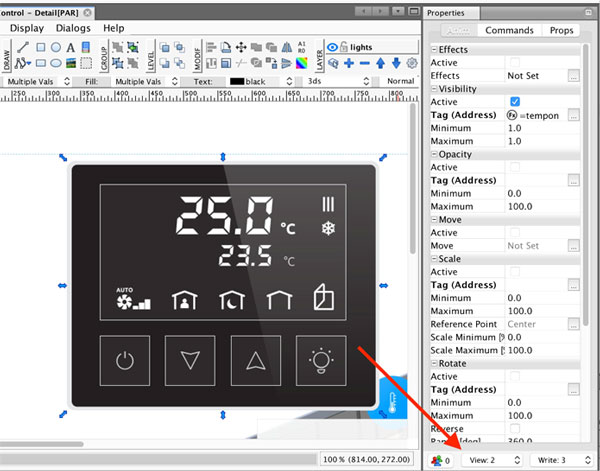
As you can see, there is an Access Settings section right at the bottom of the properties window:

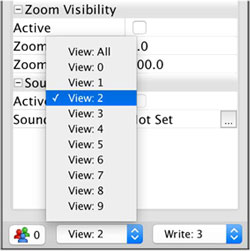
As you can see, you can limit access to the access levels by simply selecting the desired level from the combo box:
Alternatively, you can limit access based on the user groups simply by clicking on the Access Groups Button. Then you will be presented with the Access Groups Settings dialog:
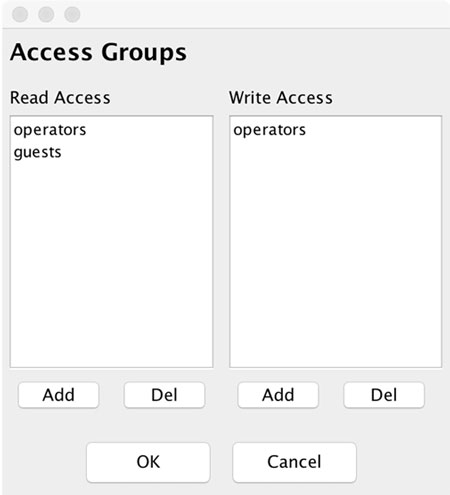
As you can see, there are two sections in the dialog, allowing you to set up read (visibility) access and write access independently.