myDESIGNER › myDESIGNER › Views & Layout
CAS alarms in view - example
The following example will show you how to embed the CAS Alarms window in the view.
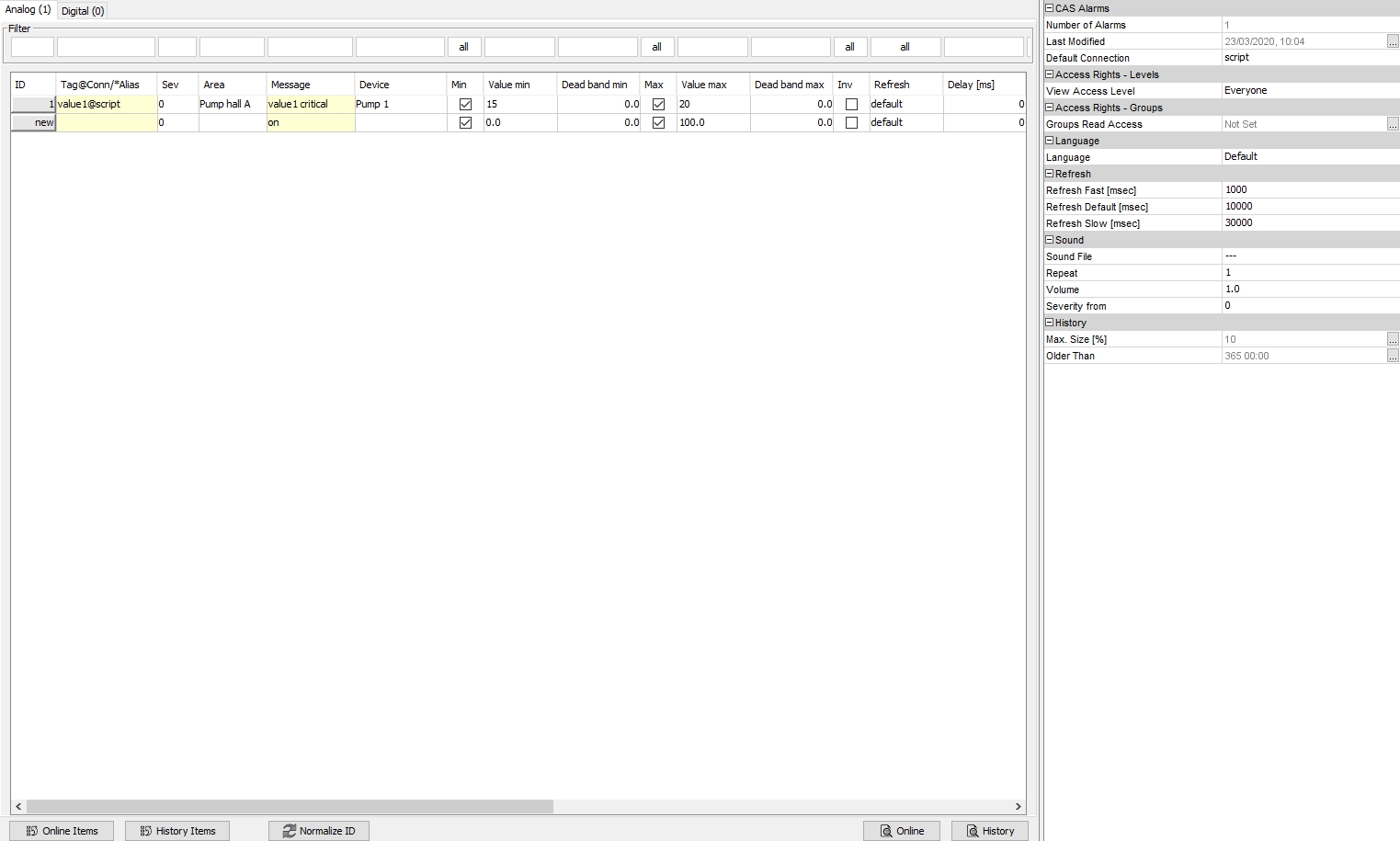
1. Fill in the CAS Alarms
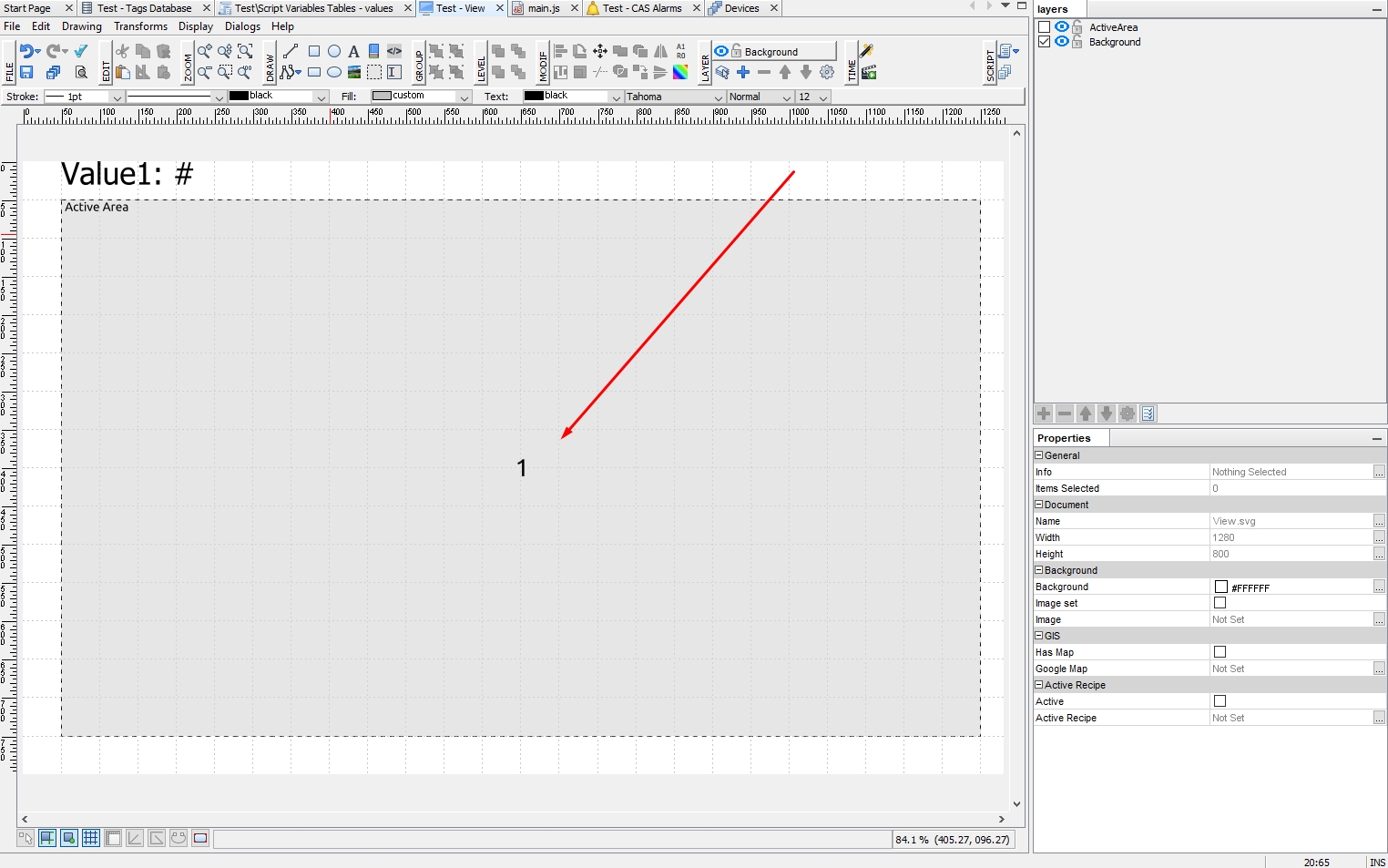
2. Create your view and place inside Active Area
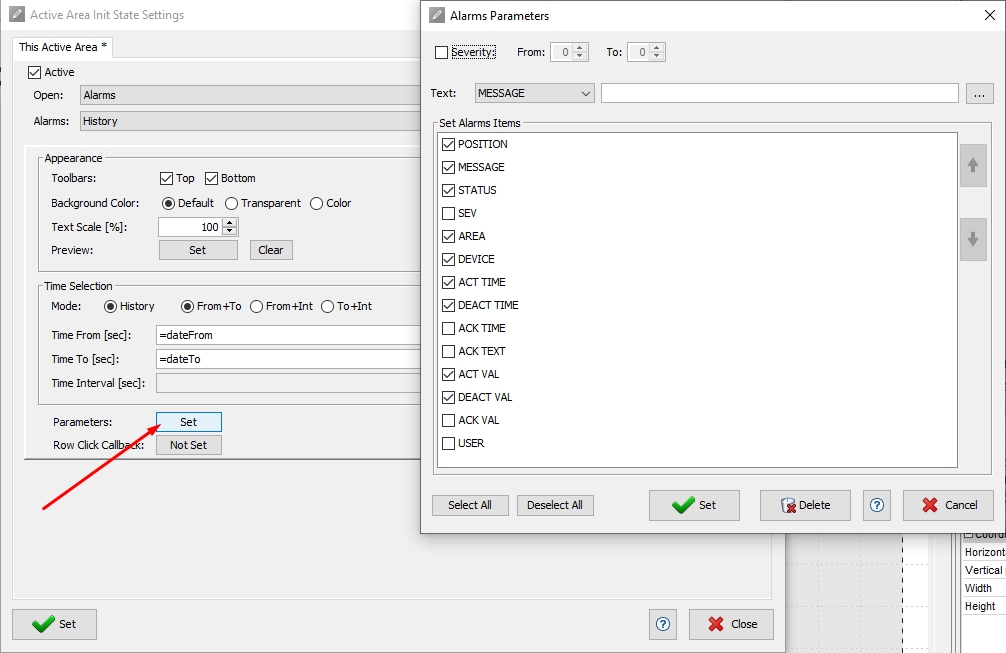
3. In Active Areas’ init state, set it to CAS Alarms -> History
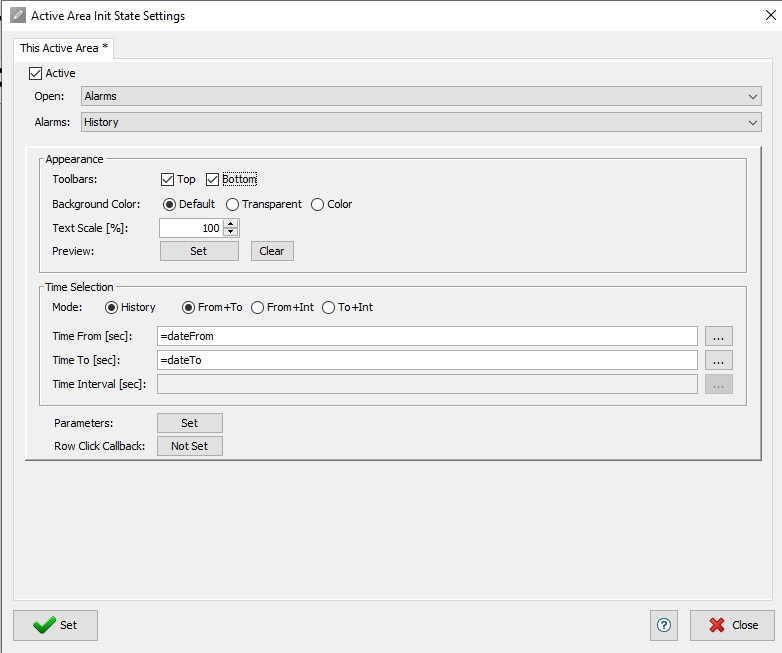
4. Specify which columns should be visible in the CAS Alarms table by clicking on the Parameters button. We only want to show the alarm message, activation time, and activation value.
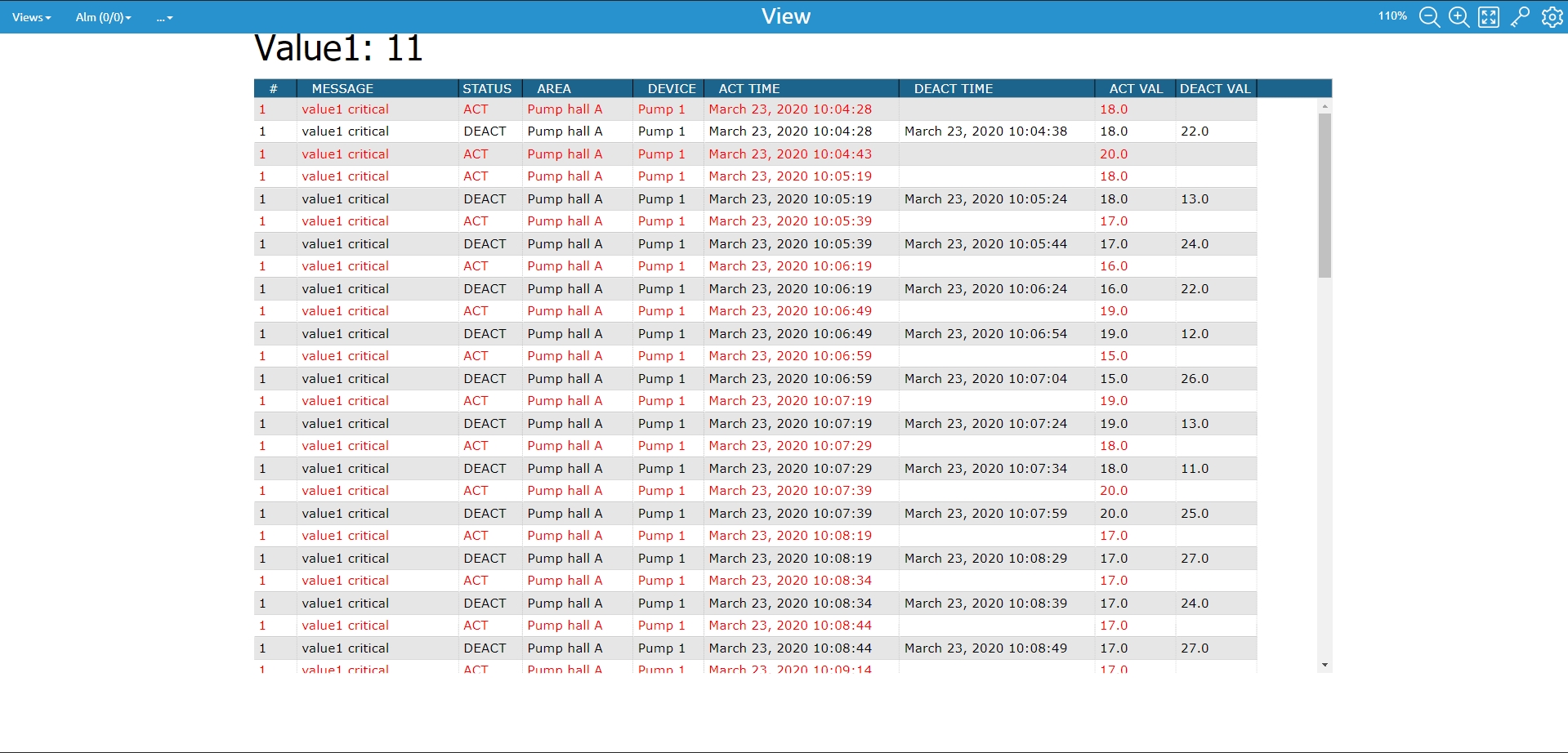
5. Save your project and test.