
myDESIGNER › myDESIGNER › Enterprise Features
Server-side scripts Scheduled execution e.g run code every Monday at 2:00 PM
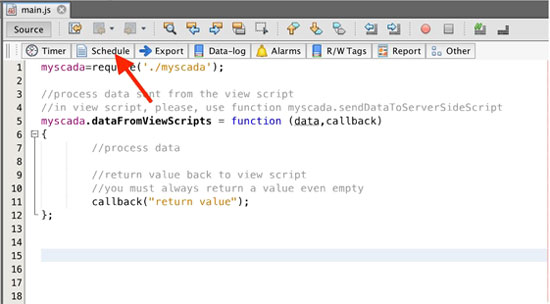
To execute a function in scheduled time intervals, please use a Cron function. It is located in the script toolbar:
For example, to execute a script every hour, select hourly:
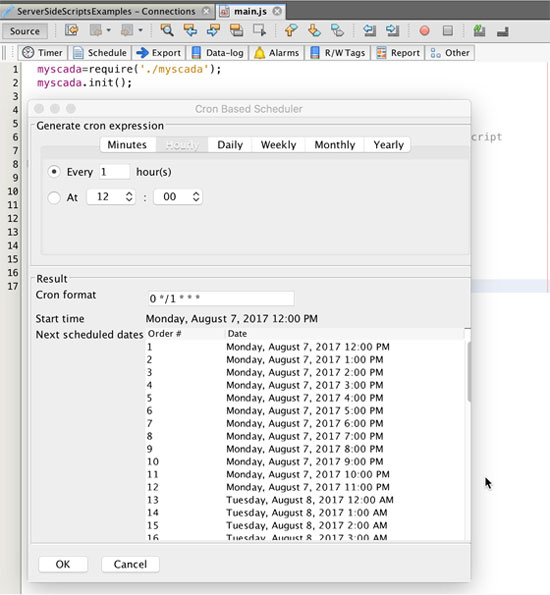
There is a list of times showing you when the script will run. Now press the “OK” button. A predefined function will be added to your script.
