
myDESIGNER › myDESIGNER › Animations & Effects
Skewing objects
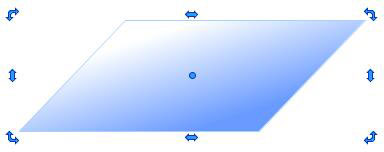
1. Double-click on the object you want to skew
2. Drag the blue arrow in the middle to get the desired skew.
1. Double-click on the object you want to skew
2. Drag the blue arrow in the middle to get the desired skew.