myDESIGNER › myDESIGNER › Charts & Trends
Chart component
On this page
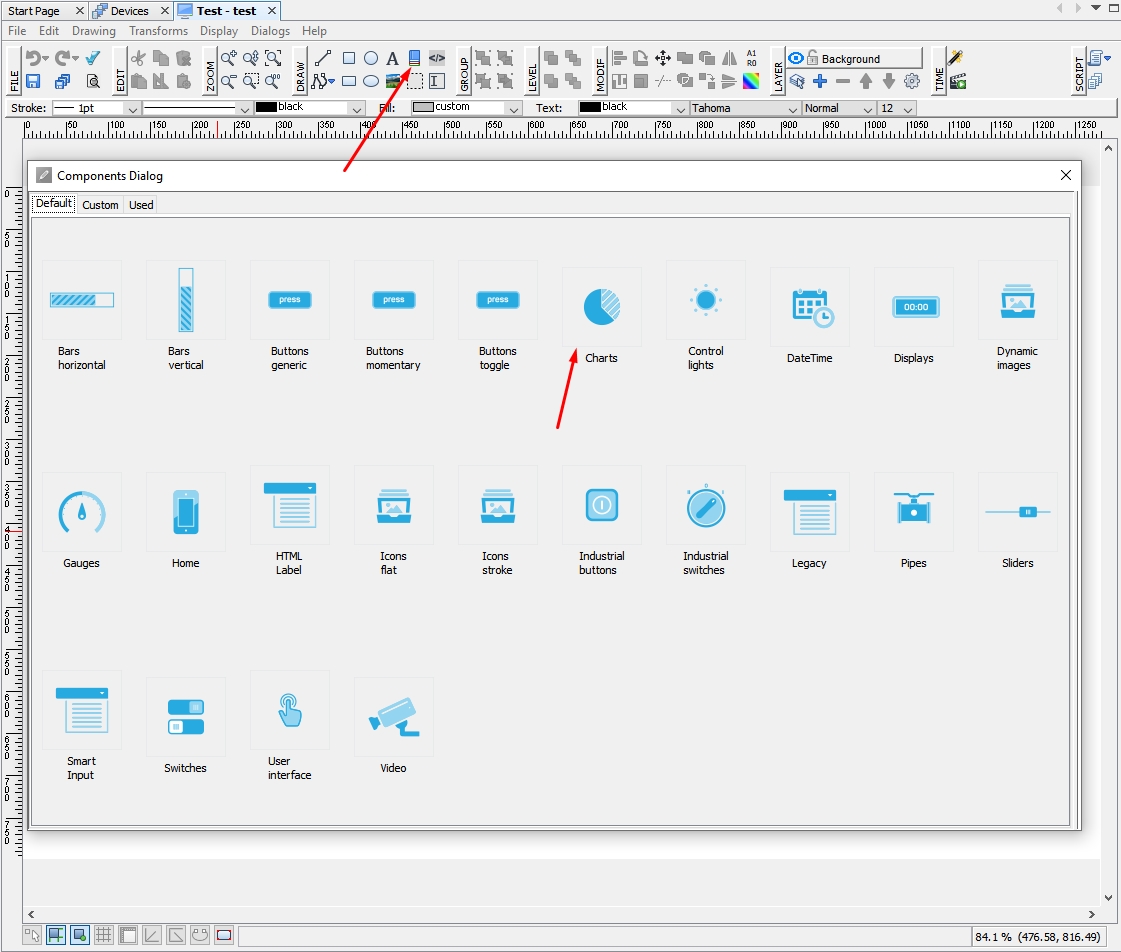
This type of component provides several options to display your data in 6 types of graph.
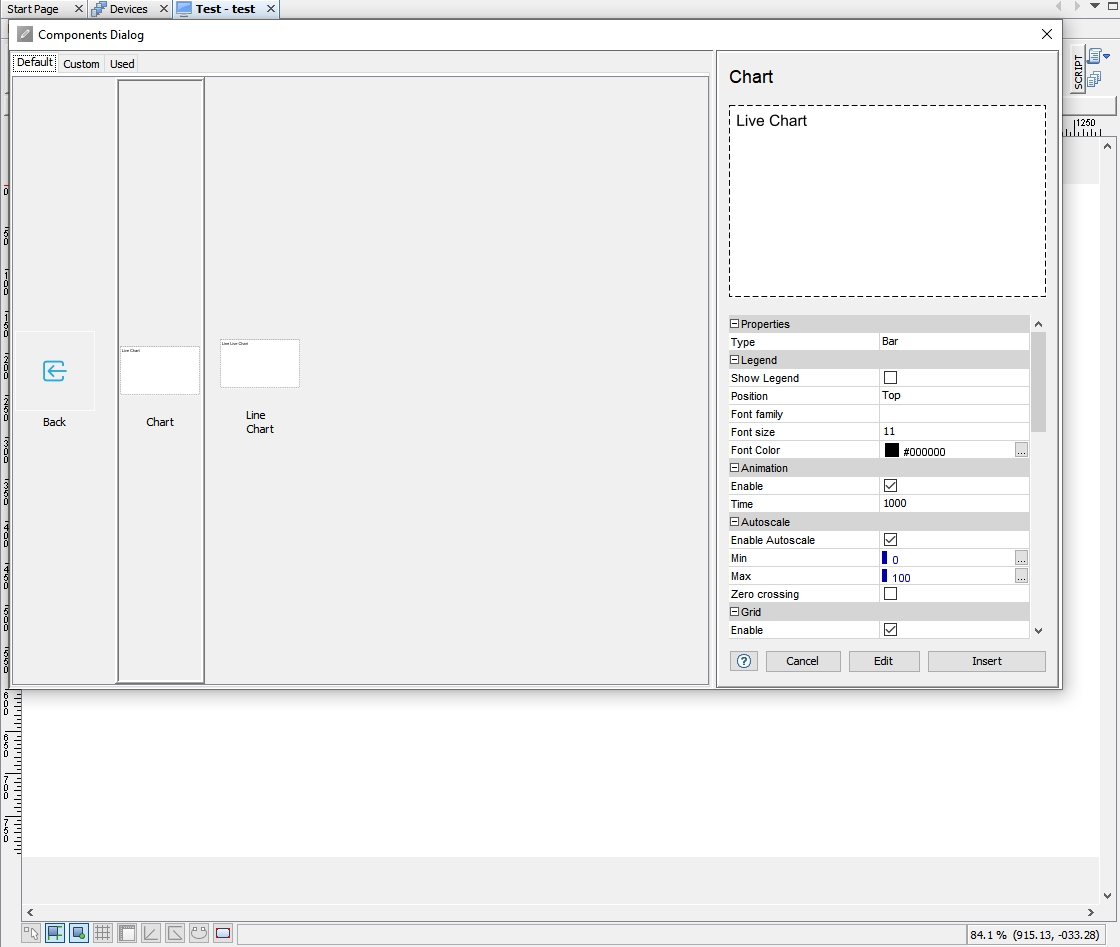 Legends settings
- Show legend - Will show legend.
- Position - Position where legend will be located.
- Font family - Type of font.
- Font Size - Size of font.
- Font Color - Color of font.
Animation
- Enable - Will enable or disable animation (Disabling it will improve performance of device).
- Time - Time of animation.
Autoscale
- Enable - Enable or disable autoscale.
- Minimum or maximum - You fill value in case that you won’t use autoscale.
Grid
- Enable - Enable or disable grid.
- Color - Color of the grid.
- Show tics - Enable or disable of tics.
- Font family - Type of font.
- Font Size - Size of font.
- Font Color - Color of font.
- Show border - Disable or enable showing border.
Other
- Stacked - Will stack graph.
- Color opacity - Opacity of color.
Data Description
- Enable - Disable or enable data description.
- Font family - Type of font.
- Font size - Size of font.
- Font Color - Color of font.
- Opacity - Opacity of font in %.
- Text padding - Position of padding.
- Text rotation - Rotation of the text.
- Anchor - Position of anchor.
- Decimal place - Places for decimal.
- Unit - Name of units.
- Show as percents - Will show data in % format.
- Show as time - Will show data in time format.
Items
- Number of elements - Number of elements displayed.
Axes
- Show or hide X or Y axis.
- Show or hide time X or Y axis.
Pens
- Tag - Select tag.
- Name - Specify name of tag.
- Color - Select color of pen.
- Group - Select group for pen.
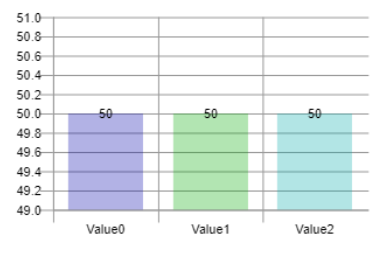
Vertical BAR
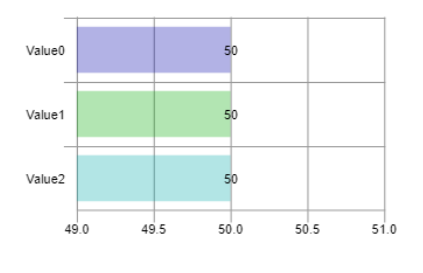
Horizontal BAR
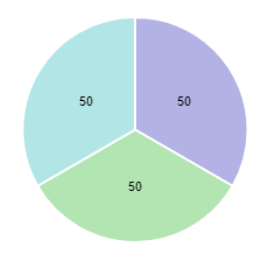
Pie
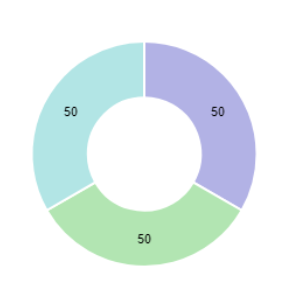
Doughnut
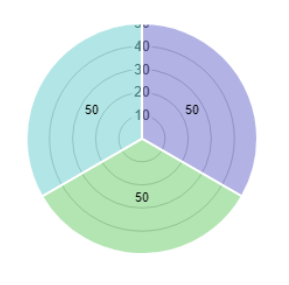
Polar
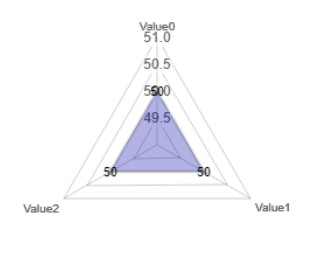
Radar