
myDESIGNER › myDESIGNER › Reports
Inserting text into report
b. Now we will insert text into the header. Click on the Text icon and then click into the header in your report.
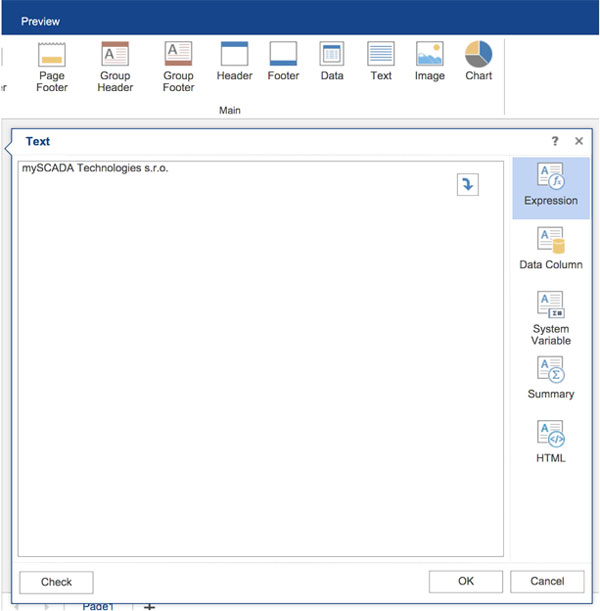
c. Enter text into a dialog and press OK button.
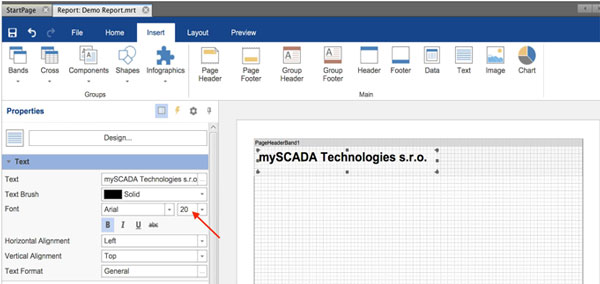
You can position text and change its properties like size, color etc. in the Properties section.