
myDESIGNER › myDESIGNER › Enterprise Features
Server-side scripts - Processing data-log data
Sometimes you need to process historical data - for example, to compute the average value for the last hour. We will show you how in this simple example.
1. Create a data-log and fill it with data
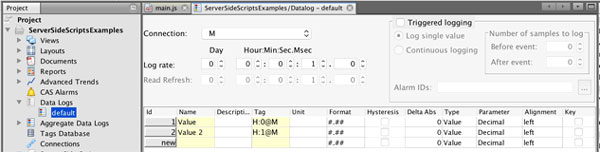
2. Use the data-log function, it is located in the toolbar of the script window
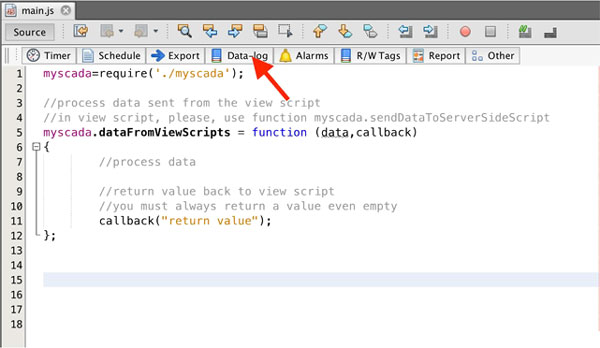
3. You will be presented with the Read data-log data function
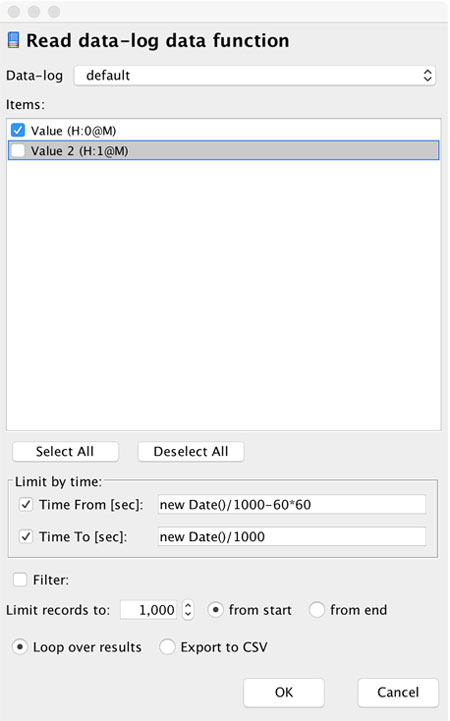
Select just the first value as we need to calculate the average from one value only.
After pressing OK, myDESIGNER will generate the code for you including the loop.
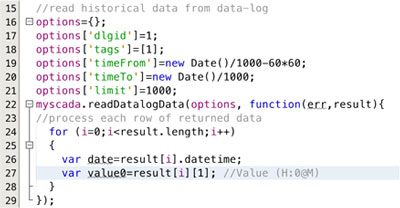 We can modify the code to compute the average: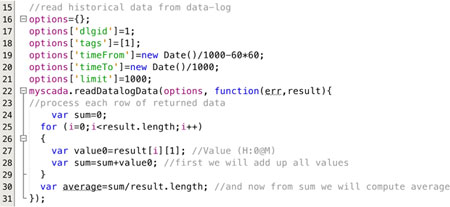
Now you have the computed average from last hour, you can do with it whatever you need.