myDESIGNER › myDESIGNER › Enterprise Features
CAS alarms preview of appearance
If you go into CAS alarms at the bottom of the CAS alarms you can basically see 4 tabs:
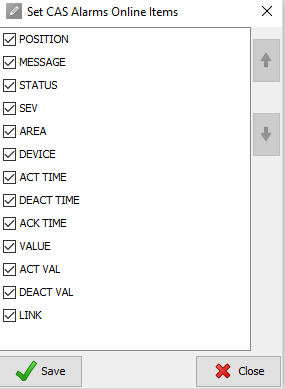
- Online items - Will let you select what information you want to be displayed in CAS online alarms log.
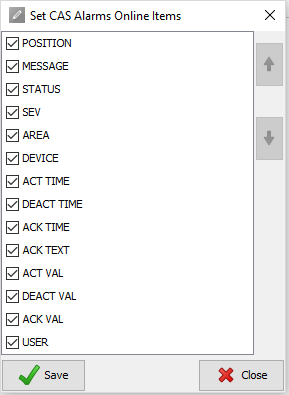
- History items - Will let you select what information you want to be displayed in CAS history alarms log.
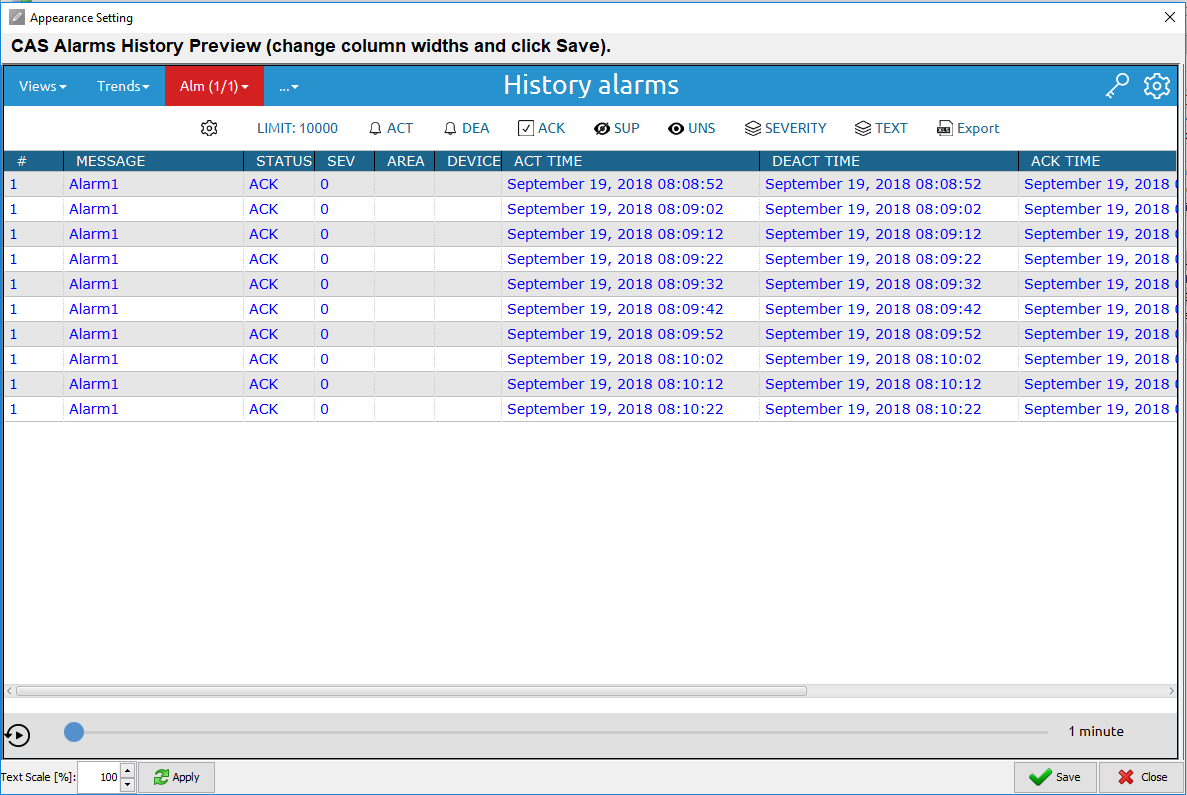
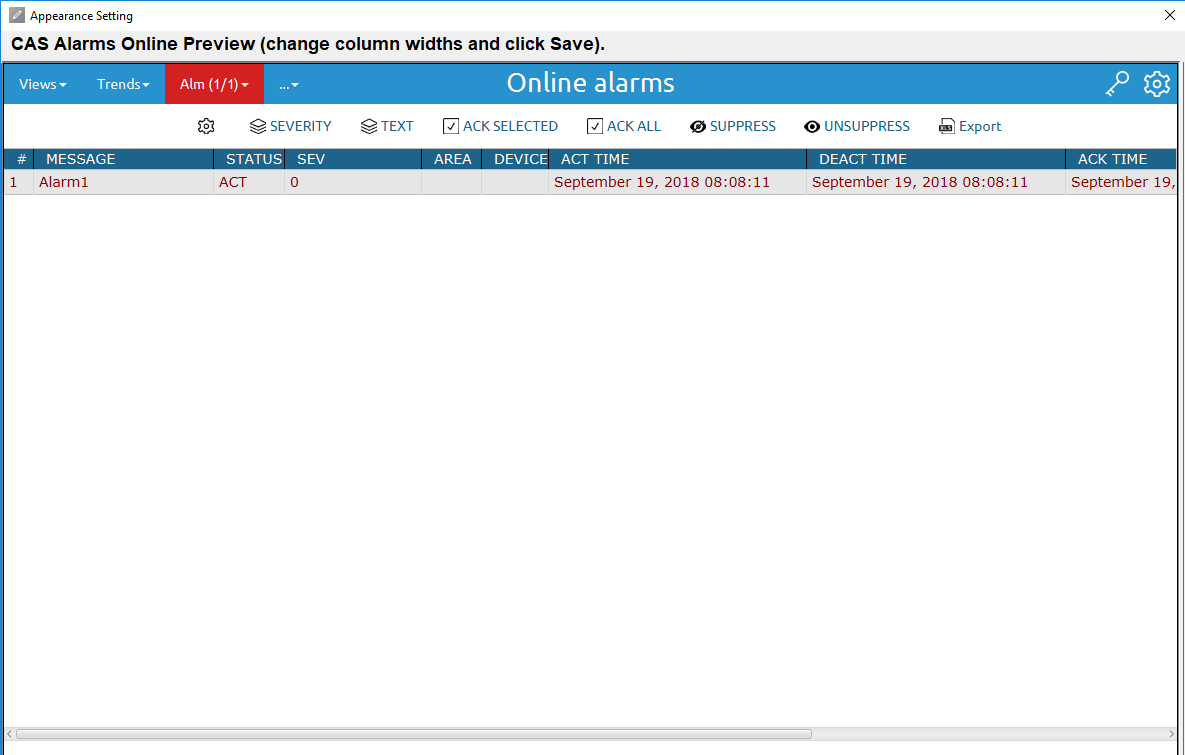
- Online - If you click on “online” the new window will pop-up which is preview of online alarms where you can adjust columns to fit your text, how you adjust columns will transfer into runtime once you press apply.
- History - History is pretty same as online, but it’s for history alarms, so if you adjust columns there it will also transfer to runtime once you press apply.