myDESIGNER › myDESIGNER › Views & Layout
Data-logs views - data points selection
The data points selection dialog enables you to select data points to be included in your data-log view. Select the data points you want to include on the left side of the table.
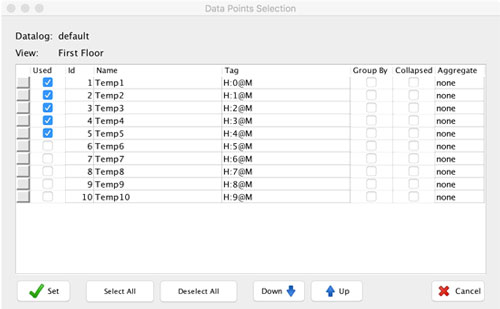
Once you specify all required parameters, you can save your data-log view and show it in runtime.
A list of all data-log views can be found in Main Application Menu under the “…” -> data-logs section.
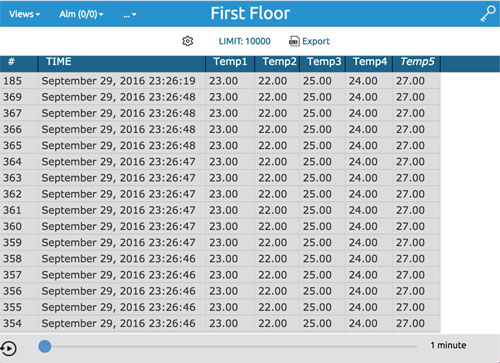
Once you select your data-log view by name, you will see your data in tabular form: