
mySCADA PRO Manager › mySCADA PRO Manager › Settings
Supervisor
The Supervisor setting connects myPRO to an external MQTT broker acting as a central supervisor. This enables remote monitoring and management of multiple myPRO devices from a single point.
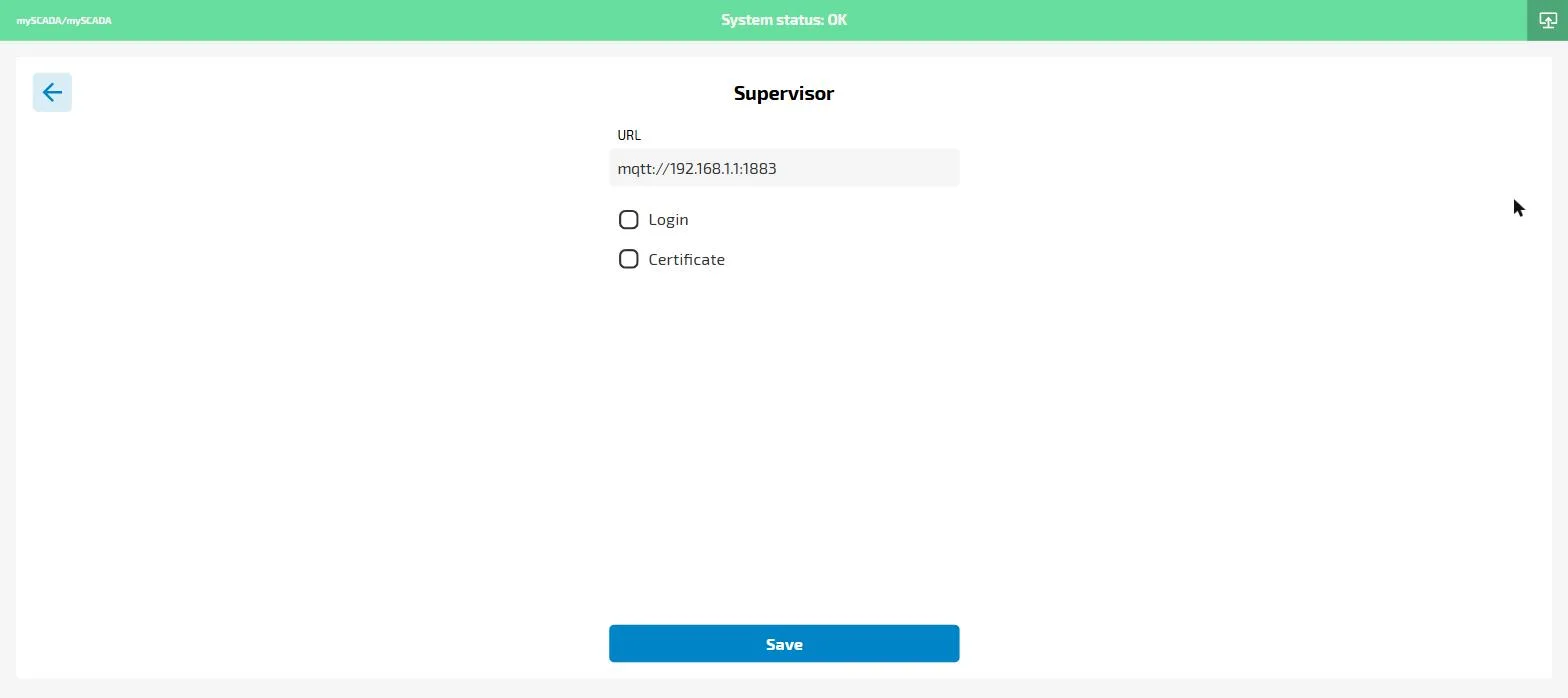
- URL — the MQTT broker address (e.g.
mqtt://192.168.1.1:1883) - Login — enable if the broker requires authentication; expands to username and password fields
- Certificate — enable to use TLS/SSL; expands to certificate upload fields
Click Save to apply. The Supervisor connection status (Online/Offline) is visible on the main Settings page.