
mySCADA PRO Manager › mySCADA PRO Manager › Settings
Modem
The Modem setting configures a GSM modem connected to the device for sending SMS alarm notifications. This allows myPRO to send text messages to operators when alarms are triggered — useful in locations without reliable internet access.
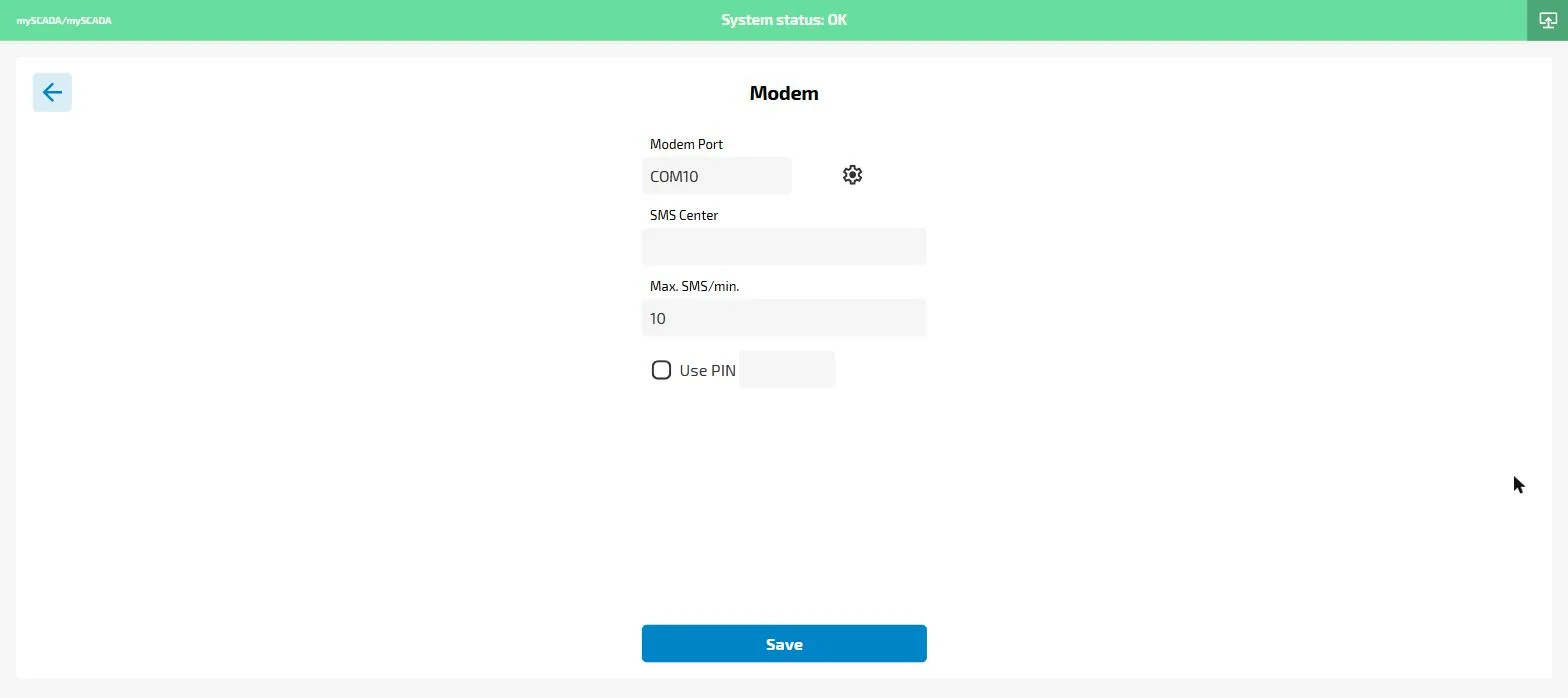
- Modem Port — the COM/serial port the modem is connected to (e.g.
COM10). Click the gear icon to scan for available ports. - SMS Center — the SMSC number of your mobile carrier (leave empty to use the SIM card default)
- Max. SMS/min. — rate limit to prevent sending too many messages during an alarm storm (default: 10)
- Use PIN — enable if the SIM card requires a PIN code; enter the PIN in the adjacent field
Click Save to apply. The modem must be physically connected before saving.