
mySCADA PRO Manager › mySCADA PRO Manager › Settings
Settings
The Settings section provides access to all configuration options for mySCADA PRO Manager. Each tile opens a dedicated configuration page.
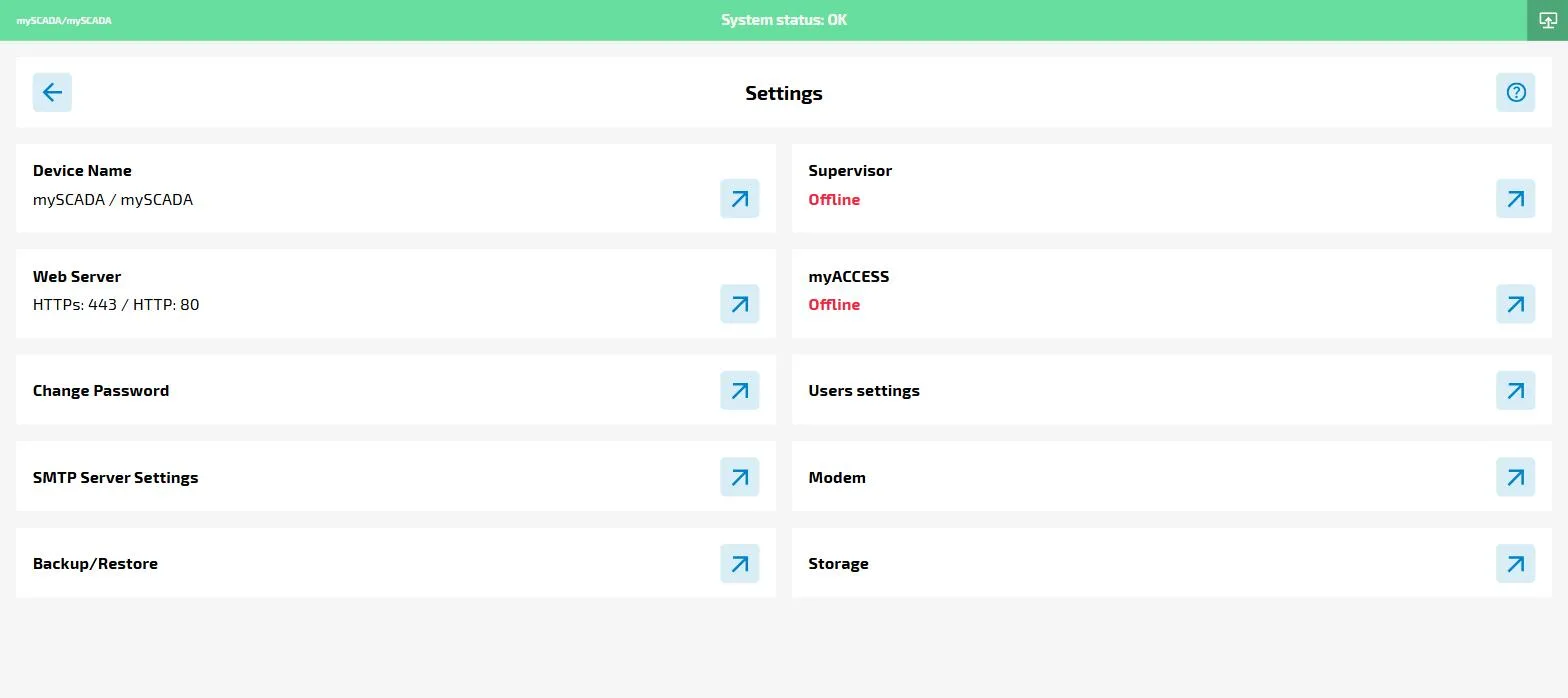
| Setting | Description |
|---|---|
| Device Name | Assign a name and location to this device for easy identification. |
| Web Server | Configure the HTTP/HTTPS ports the myPRO web server listens on. Requires stopping the runtime. |
| Change Password | Change the password of the currently logged-in Manager user. |
| SMTP Server Settings | Configure email notifications for runtime alarms. See Notification. |
| Backup/Restore | Create, download, upload and restore configuration backups. See Backup/Restore. |
| Supervisor | Connect myPRO to an external MQTT supervisor broker. See Supervisor. |
| myACCESS | Enable remote connectivity to the HMI via the myACCESS service. See myACCESS. |
| Users settings | Manage Manager users and enable 2FA authentication. See 2FA. |
| Modem | Configure a GSM modem for SMS alarm notifications. See Modem. |
| Storage | Set the maximum disk space myPRO may use for historical data. See Storage. |