
mySCADA PRO Manager › mySCADA PRO Manager › Settings
Device Name
The Device Name setting allows you to assign a human-readable name and location to your device. This information is displayed in the Manager header and helps identify the device when managing multiple installations.
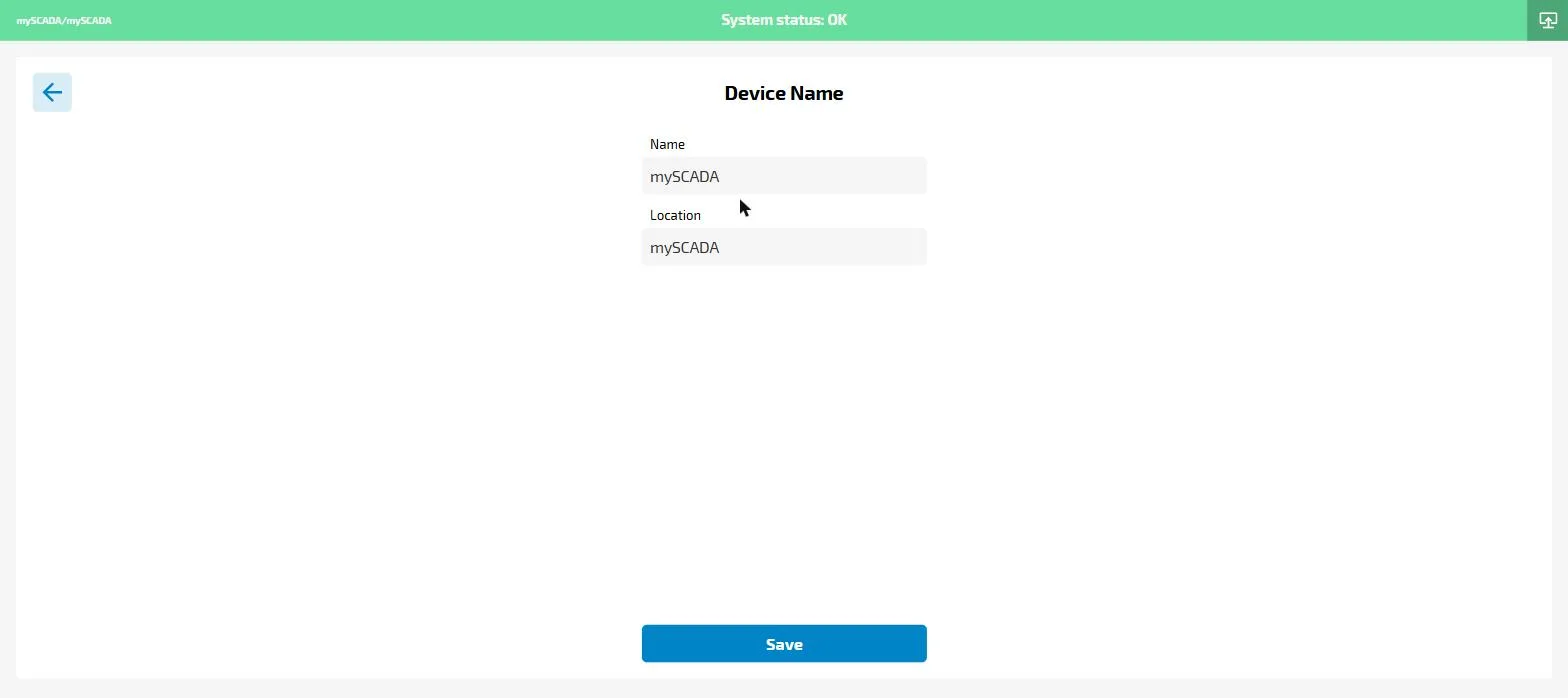
- Name — a short identifier for the device (e.g. the machine or project name)
- Location — a physical or logical location (e.g. factory floor, building name)
Click Save to apply changes.