
mySCADA PRO Manager › mySCADA PRO Manager › Settings
Backup / Restore
On this page
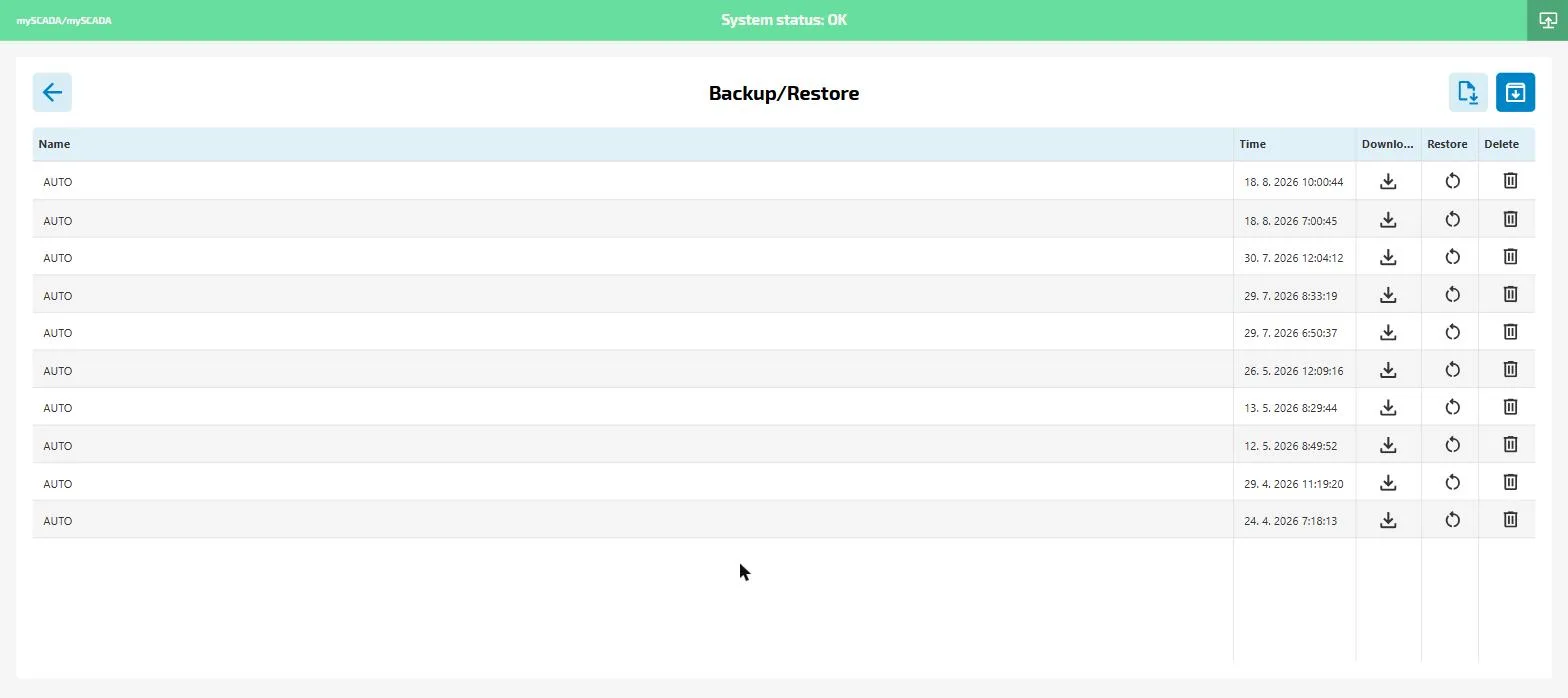
The Backup/Restore section manages configuration backups of myPRO. Backups include the project configuration, runtime settings, and user data. They do not include the runtime binary itself.
Creating a backup
Use the two buttons in the top-right corner:
- Create backup (download icon) — creates a new backup immediately and adds it to the list
- Upload backup (upload icon) — restores from a backup file downloaded from another device
Backup list
Each row shows:
- Name —
AUTOfor automatic backups, or the custom name you entered - Time — date and time the backup was created
- Download — saves the backup file to your computer
- Restore — applies this backup to the current installation (requires runtime restart)
- Delete — permanently removes the backup
Automatic backups
myPRO creates backups automatically at regular intervals. These appear as AUTO entries in the list. You can configure the backup interval in the runtime project settings.