
myACCESS › myACCESS
Uploading the VPN Certificate
An encrypted VPN connection to devices requires a certificate. You will receive the certificate from your system administrator as a .zip file.
- Open Settings (gear icon in the left panel).
- In the VPN Certificate section, click Upload certificate (.zip).
- In the file selection dialog, choose the
.zipfile you received. - After a successful upload, a green “Uploaded” message will appear.
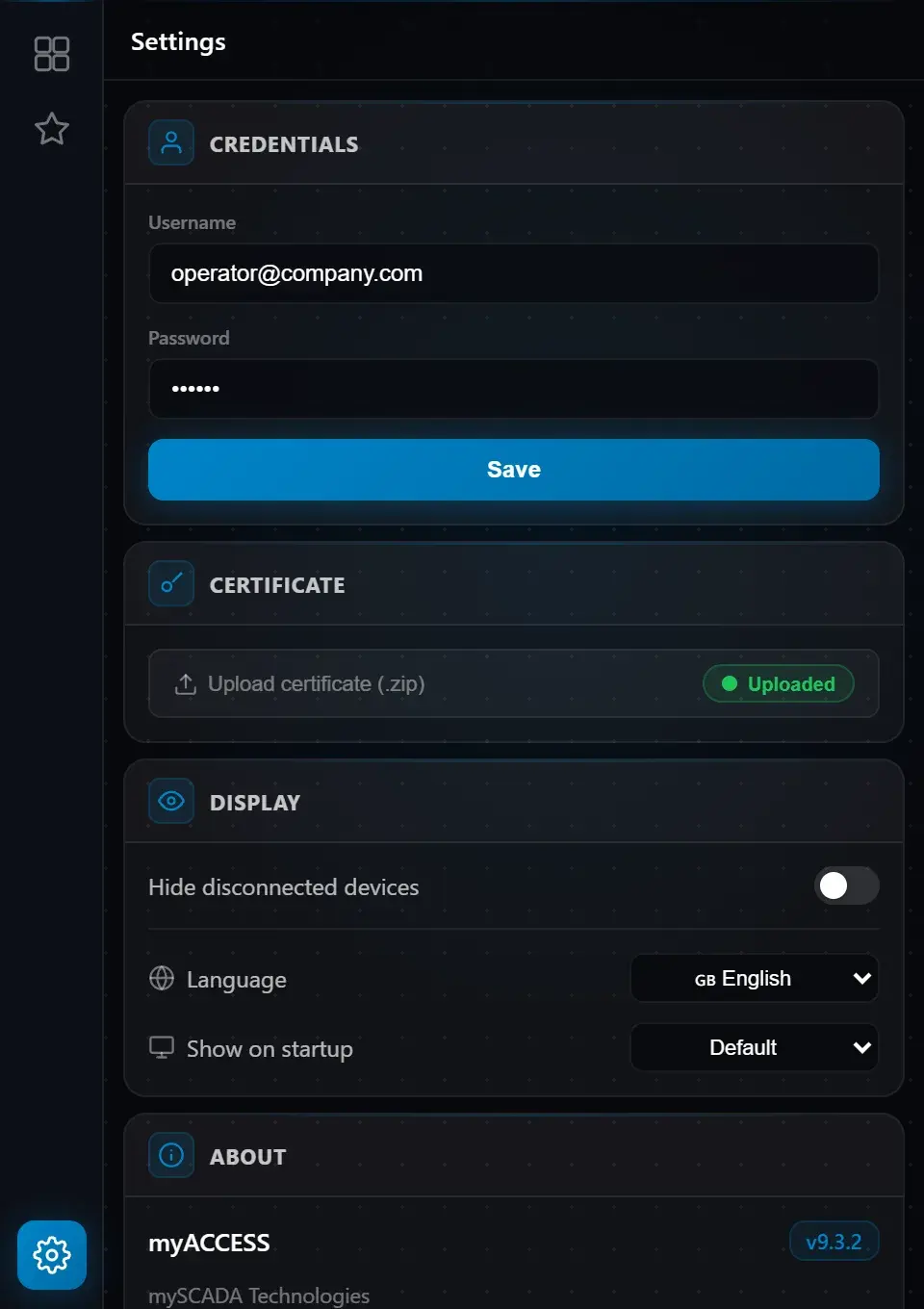 Fig. 4 — Settings tab showing the VPN Certificate upload section
Warning: Without a valid certificate, no VPN connection can be established. If the certificate is missing, the button in the Certificate section will show a red “Missing” indicator.