
myACCESS › myACCESS
Configuring Login Credentials
To display the device list you must enter your mySCADA cloud login credentials.
- Click the Settings icon (gear wheel) in the left sidebar.
- Under the Credentials section, enter your Email and Password.
- Click the Save credentials button.
- Switch back to the Devices tab — the device list will load automatically.
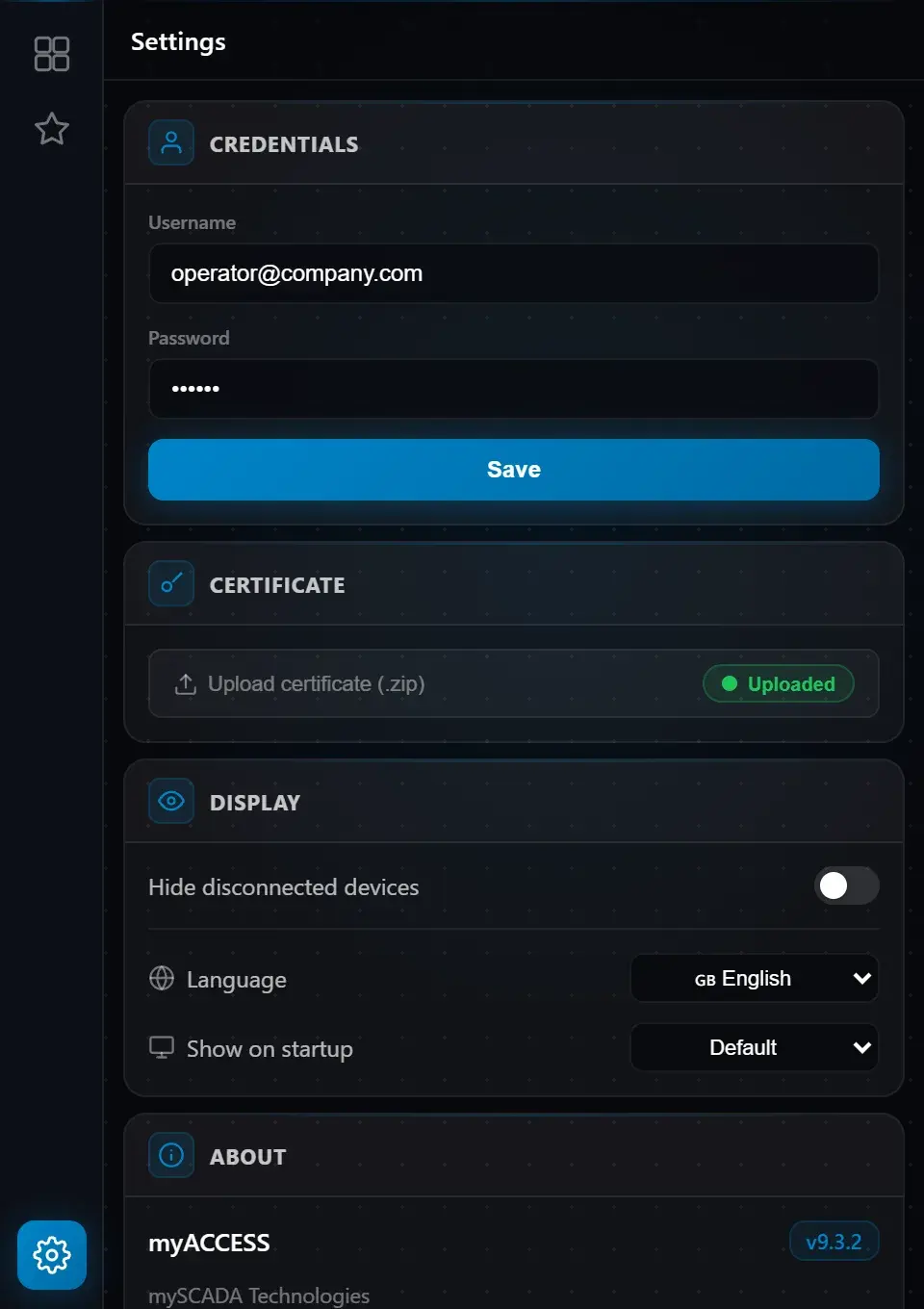 Fig. 3 — Settings tab: Credentials, Certificate, and Display sections
Tip: Credentials are stored securely in encrypted form and are used automatically on every launch — you do not need to re-enter them.