
myACCESS › myACCESS
Favorites
On this page
The Favorites feature provides quick access to the devices you use most often.
Adding a Device to Favorites
- In the Devices tab, click the star icon on a device card.
- The device will immediately appear in the Favorites tab.
Adding a Favorite Manually
In the Favorites tab you can also add a device manually by entering its name and IP address in the input field at the top of the screen.
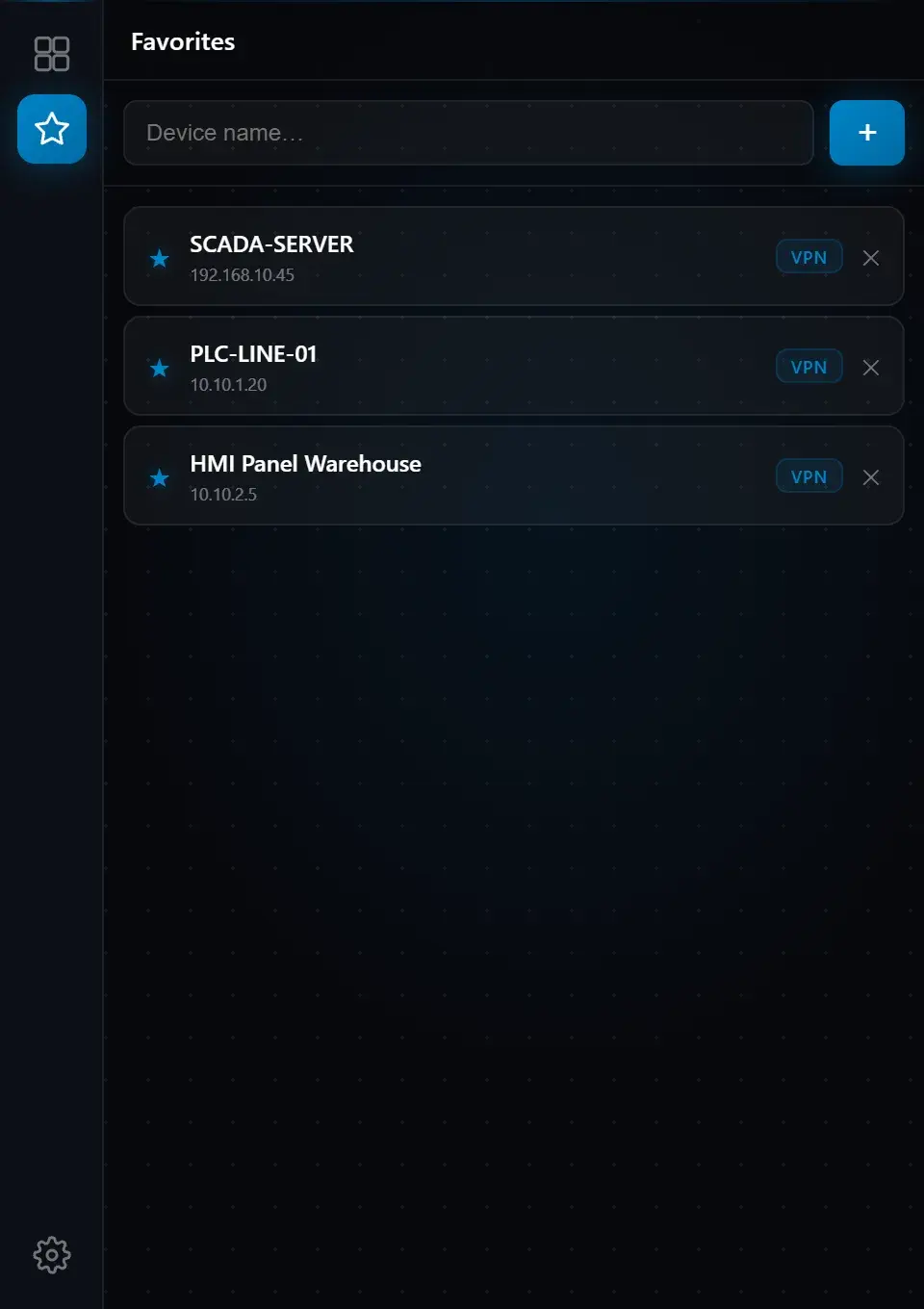 Fig. 8 — Favorites tab with saved devices; + button to add a new entry
Tip: Favorites are stored locally in the application and persist across restarts. You can remove any entry at any time by clicking the ✕ button on the right side of its card.