
myACCESS › myACCESS
First Launch
When the application starts, a loading screen with a spinner is displayed. The application is initializing the VPN server in the background — this typically takes 1–5 seconds.
 Fig. 1 — Loading screen with the myACCESS logo and animated spinner
Once loaded, the main device list screen is displayed automatically.
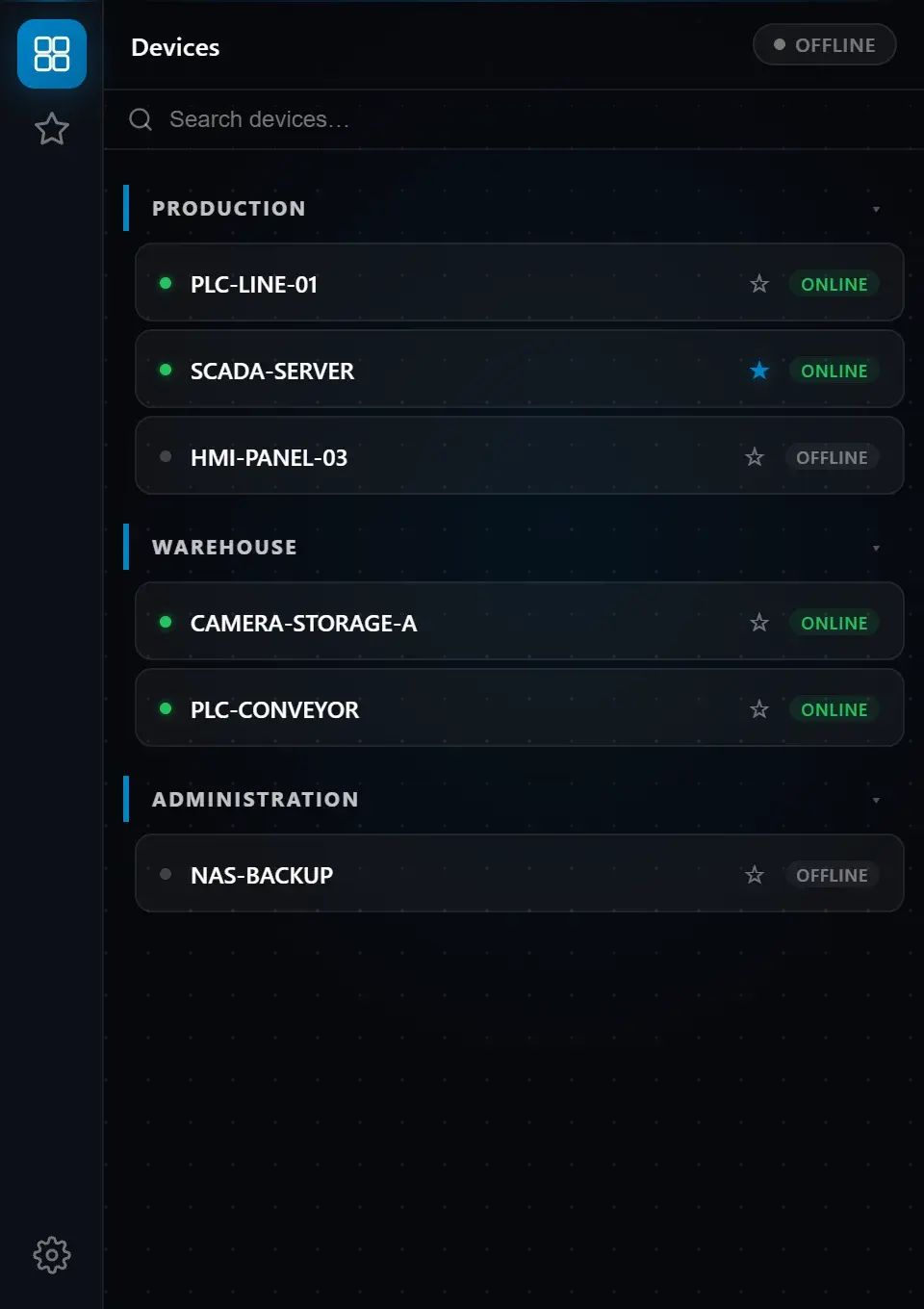 Fig. 2 — Main screen showing the device list organized in groups
Note: On the very first launch after installation, loading may take longer (10–30 seconds) because Windows is scanning the new files. Subsequent launches start instantly.